

Game Creator 3 for Unity: We make the tools.You create the games.
Game Creator 3 is a complete suite of Unity modules built to work together right out of the box.

Everything your game needs
Each module is its own package on the Asset Store and has its own extensions. Install one, or all of them.

Characters
Bring your characters to life.
- Works with any humanoid model. Drop in any model and swap it for another at runtime.
- Create any kind of game with multiple ways to control them.
- The most easy to use animation system ever. No more blending trees or complex node graphs.
- Procedural animations out of the box: breathing, twitches, looking at points of interest and more.
Define how players use doors, levers and other world objects.
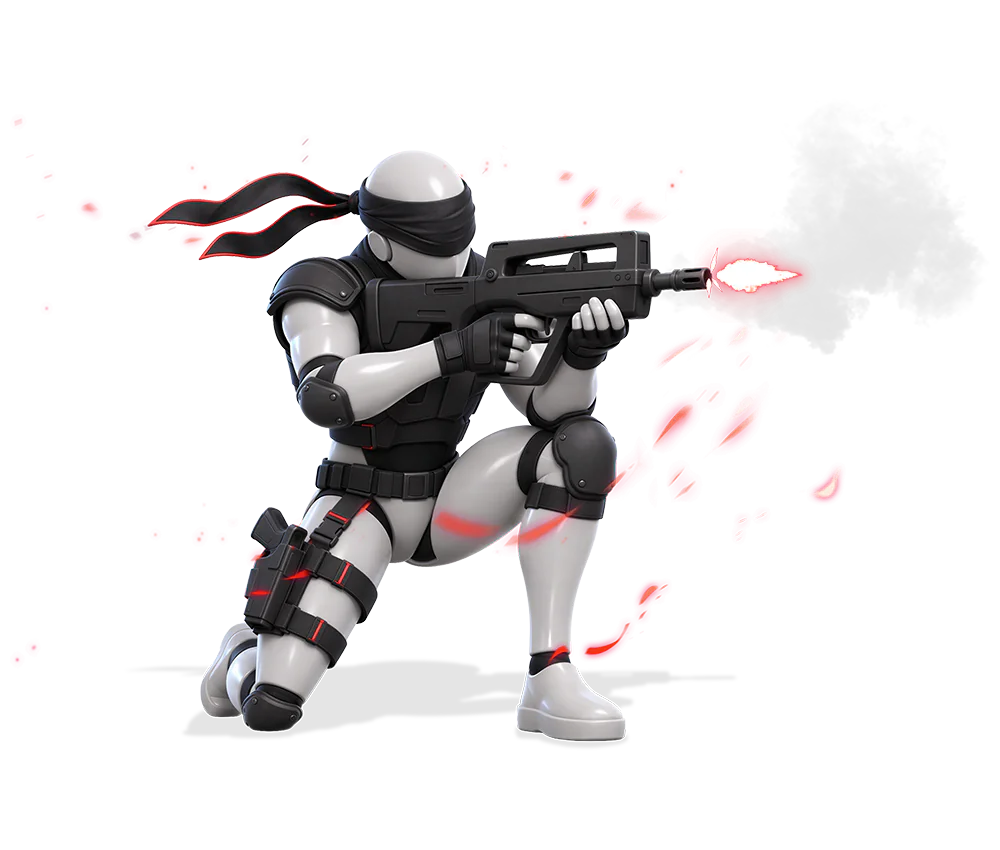
Shooter
Arm characters with any gun, from a pistol to a wand, realistic or arcade.
- Design guns with fire modes, magazines, reloads, overheating and jams.
- Use hit-scan, projectile or physics ammo, with pellets, homing and damage falloff.
- Hip fire or aim down sights, with procedural recoil, sway and support-hand grips.
- Add impact effects, decals, ejected shells, laser sights and trajectory previews.

Melee
Slash, kick and crush enemies using weapons or bare hands.
- Chain Skills into Combos, with charged attacks and forgiving input buffering.
- Design guards, parries, counter-attacks, dodges and riposte moves, with guard breaks and hit-stop.
- Create hit detection that follows the animation, from sweeping arcs to shockwaves.
- Set reactions based on hit direction and power, and synced takedowns between two characters.

Traversal
Hang, climb, leap and vault your way across the world.
- Procedurally hang from ledges and shimmy along them, or climb ladders rung by rung.
- Leap between ledges and ladders, with reache animations and momentum.
- Vault, jump up, jump down or pull up over obstacles in one move.
- Tune assisted jumps and dashes, or let characters find ledges and ladders on their own.
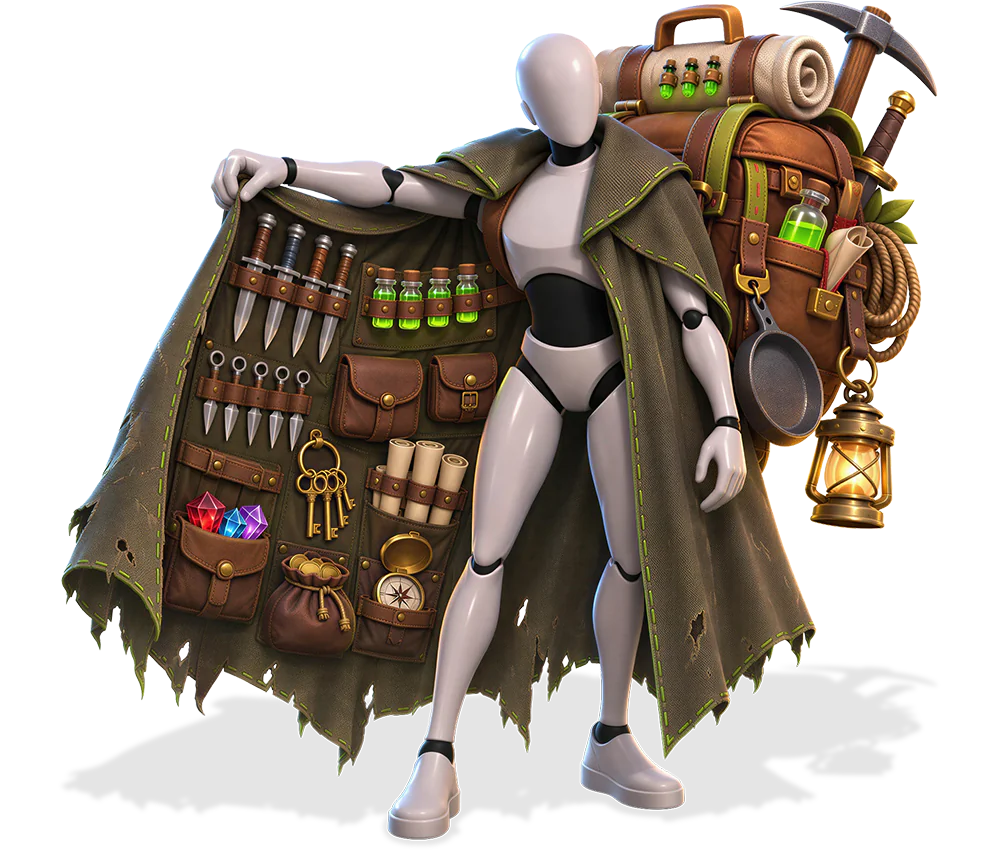
Inventory
Pick up, equip, craft and trade items.
- Create grid or list inventories with weight limits, stacking and equipment slots.
- Set Item properties like charges or durability. And add attachment sockets to them.
- Craft from recipes or by experimenting with ingredients, and dismantle items into parts.
- Merchants buy and sell in your own Currencies, with optional limited stock and buybacks.

Dialogue
Write branching conversations as plain text.
- Write conversations like you would write a novel.
- Branch with choices, conditions and random lines, and trigger Events from anywhere.
- Define Actors with portraits, expressions and a wide variety of text effects and voiced lines.
- Translate text and voice-over, and switch language at runtime.
- Design your own dialogue boxes and speech bubbles in Unity UI or UI Toolkit.
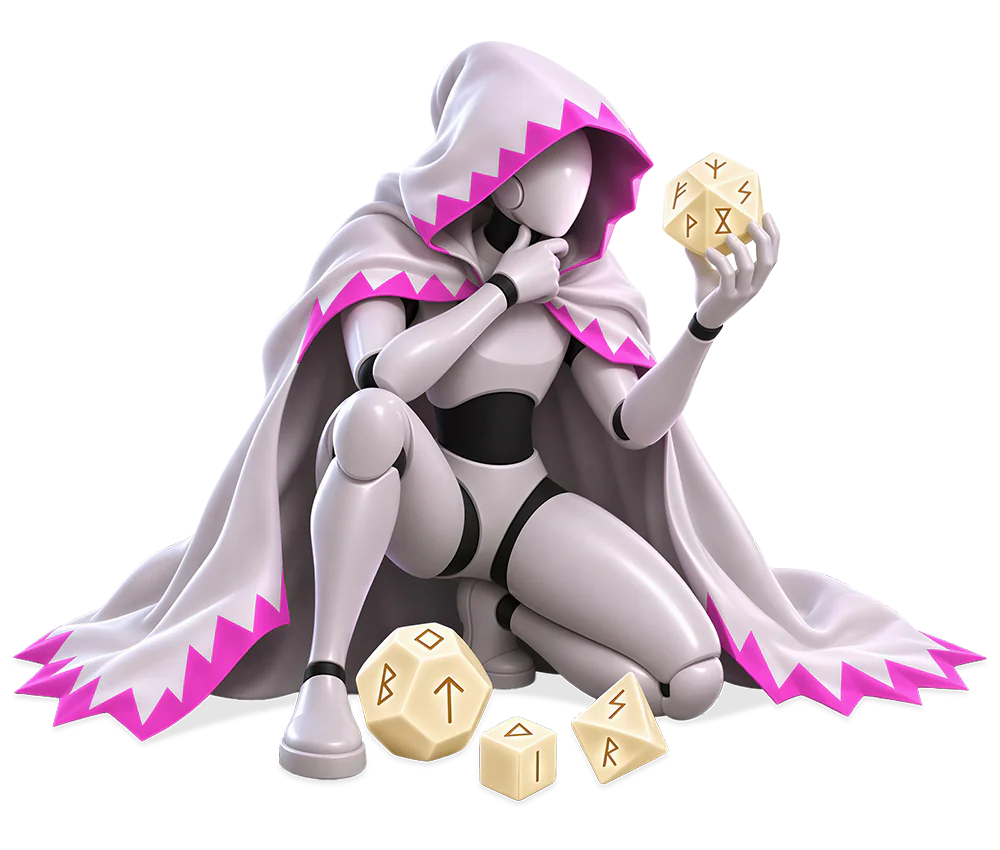
Stats
Health, strength, buffs and status effects, driven by your own formulas.
- Create custom Attributes calculated by Formulas. And raise or lower them with Modifiers from gear.
- Define Meters for health, mana, stamina or any resource that fills and drains.
- Stackable Status Effects tick for a set duration or turn count.
- Define Classes for character archetypes, and create experience Tables for leveling up.

Quests
Give players quests and objectives, and keep track of their progress.
- Break Quests into Tasks that run one after another, all at once or as alternatives.
- Tasks can finish on their own with counters, time limits or other conditions.
- The Journal component tracks, saves and loads the quests of each character.
- Give rewards or change the world when a Quest or Task is finished.

Behavior
Define how characters behave with multiple AI techniques.
- Determine character behavior using a mix of Behavior Trees and Hierarchical State Machines.
- Supports Fuzzy Logic and Goal-Oriented Action Planning systems.
- Easily communicate information between multiple agents.
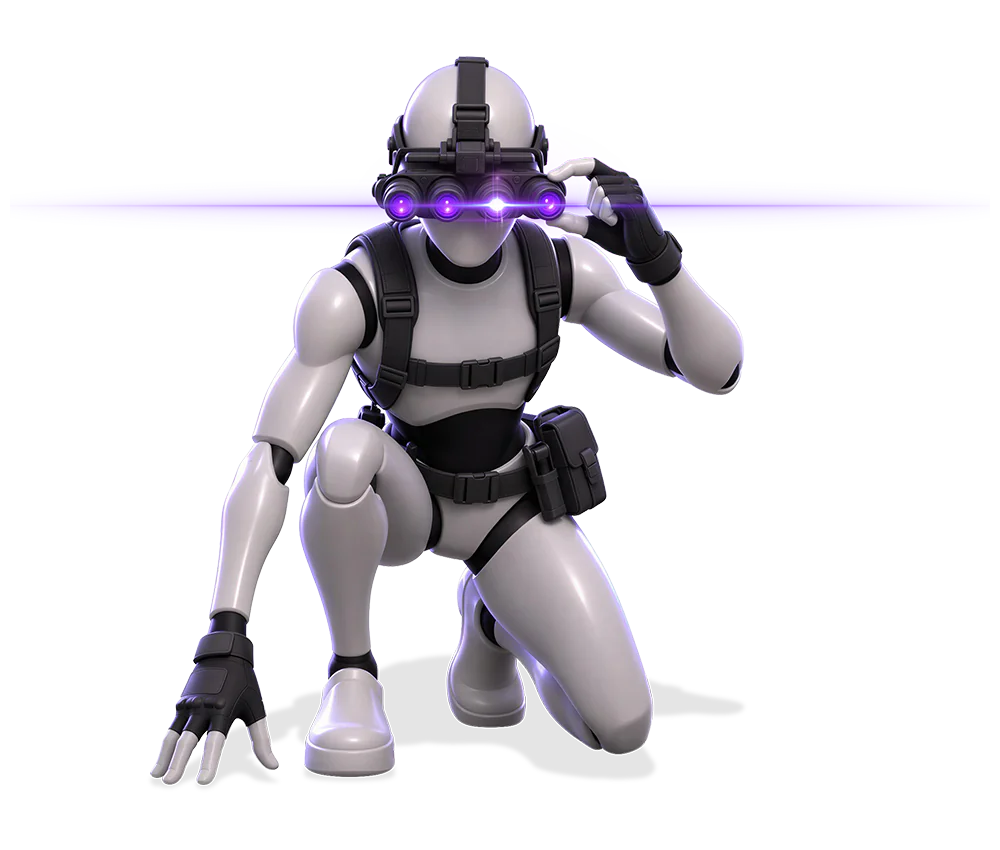
Perception
Let characters see, hear and smell the world around them.
- Set up sensors for Sight, Hearing and Smell and more!
- Use the Awareness meter to let characters grow suspicion and fade it over time.
- Light, camouflage, ambient noise and obstacles change what and how things gets noticed.
- Let guards pass on what they know and notice tampered Evidence, like an opened door.
Multiplayer
Take your game online using peer-to-peer or dedicated server hosting.
- Send network events to servers and clients.
- Supports peer-to-peer and server-authoritative hosting.
- Use multiplexing for plug-and-play transport layers.
- Smooth synchronization of any object or state using different interpolation techniques.
All modules speak the same language
Install one module or all of them. They work seamlessly together or on their own thanks to the Visual Script asset.
Shooter, Melee and Traversal need Characters. Characters, Inventory, Dialogue, Stats, Quests, Behavior, Perception and Multiplayer need only Visual Script, which is free.

What people say
From hobbyists to studios and universities, see how people use Game Creator to bring their dream games to life.
“Best asset I have bought in 12 years of Unity development.”
Alien HereticGame developer“A flexible compendium of game dev solutions for everyone who dreams about making games.”
Sergiu LupseGame designer“A tool like this should be in each version of Unity.”
Kamil Sobierajski3D artist and designer“This is the asset I have been waiting for and I wake up every day excited to see the updates.”
Wyvern GamesHobbyist“You will not regret buying Game Creator and its add-ons.”
Dr. Paul PivecPhD, Deakin University“I wish everything on the Asset Store was this easy to use.”
Bee VinIndie developer“It is a great fit for my project, and I would highly recommend you to try it as well.”
FishBurgIndie developer
“It smoothens out so many rough edges of game development. It is extremely simple to learn, use, and extend!”
MarsyeSebookie Studios“With NO EXAGGERATION, the best Unity asset of all time.”
TobideeyahIndie developer“If you are a fan of event-driven programming, this asset hits just the right spot.”
FiervalIndie developer“This asset has been on every project of mine for the last few years.”
PsychotokeIndie developer“Very easy to use, and a great addition to any Unity project.”
Siobhán ClarkeIndie developer“The API is very well-structured, and it is extremely easy to extend.”
Mateo MoralesLupin Games“I don't know what this does, but I'm sure it's rad. Do you still say rad?”
My momNot an indie developer
Awards and recognition
- Best Development Tool
Finalist at the Unity Awards 2024
- Publisher of the Year
Finalist at the Unity Awards 2020
- Unity Spotlight
Interview on the Unity Blog
- Average of 5 Stars
+500 reviews on the Asset Store
Ready to make games?
Start with Visual Script for free and add the modules your game needs. Your toolkit grows with your game.
Join our newsletter
Get the latest news delivered to your inbox.